Your payment method, billing details and invoices are managed in the secure billing portal, which you open from the Billing and Invoices page. Only organization owners and admins can open it.
Opening the billing portal
- Open your account menu and select Billing and Invoices. The page's heading reads Billing details.
- In the Current Plan card, select Manage Billing.
- The secure billing portal opens in the same window. When you're done, return to the dashboard.
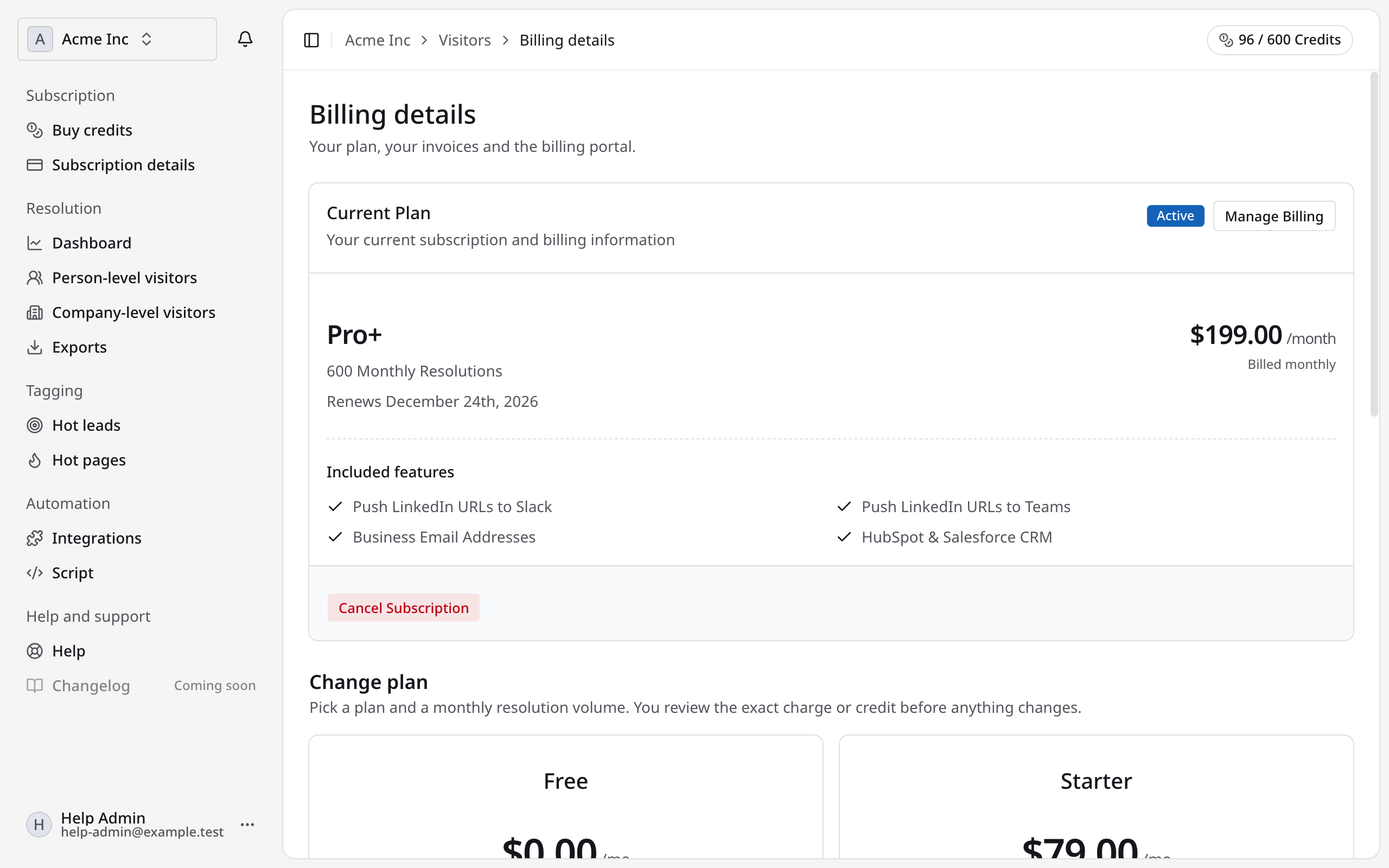
Manage Billing appears once you have a paid plan. On the Free plan or during your trial there's nothing to manage yet: you add a payment method at checkout when you choose a plan. See Managing Your Blue Tracely Plan and Credits.
Updating your billing information
In the billing portal you can update your payment method and your billing details, and see your invoices.
Update your payment method if a payment was declined or your subscription shows Past Due. See Billing and Plans FAQs.
Finding your invoices
The Recent Invoices card on the Billing and Invoices page lists your latest invoices with their number, date and amount. Select the link next to an invoice to view it. To see every invoice, owners and admins can select View All Invoices, which opens the billing portal.
Members can see the recent invoices but can't open the billing portal.
Taxes
Prices don't include taxes, which you're responsible for. See the Terms of Service.