This guide shows how to add the Blue Tracely snippet to the head of every page of a Tilda site.
Before you begin
The domain on your Script page must be the domain your Tilda site is published on. See Installing Your Blue Tracely Tracking Script.
Copy your snippet
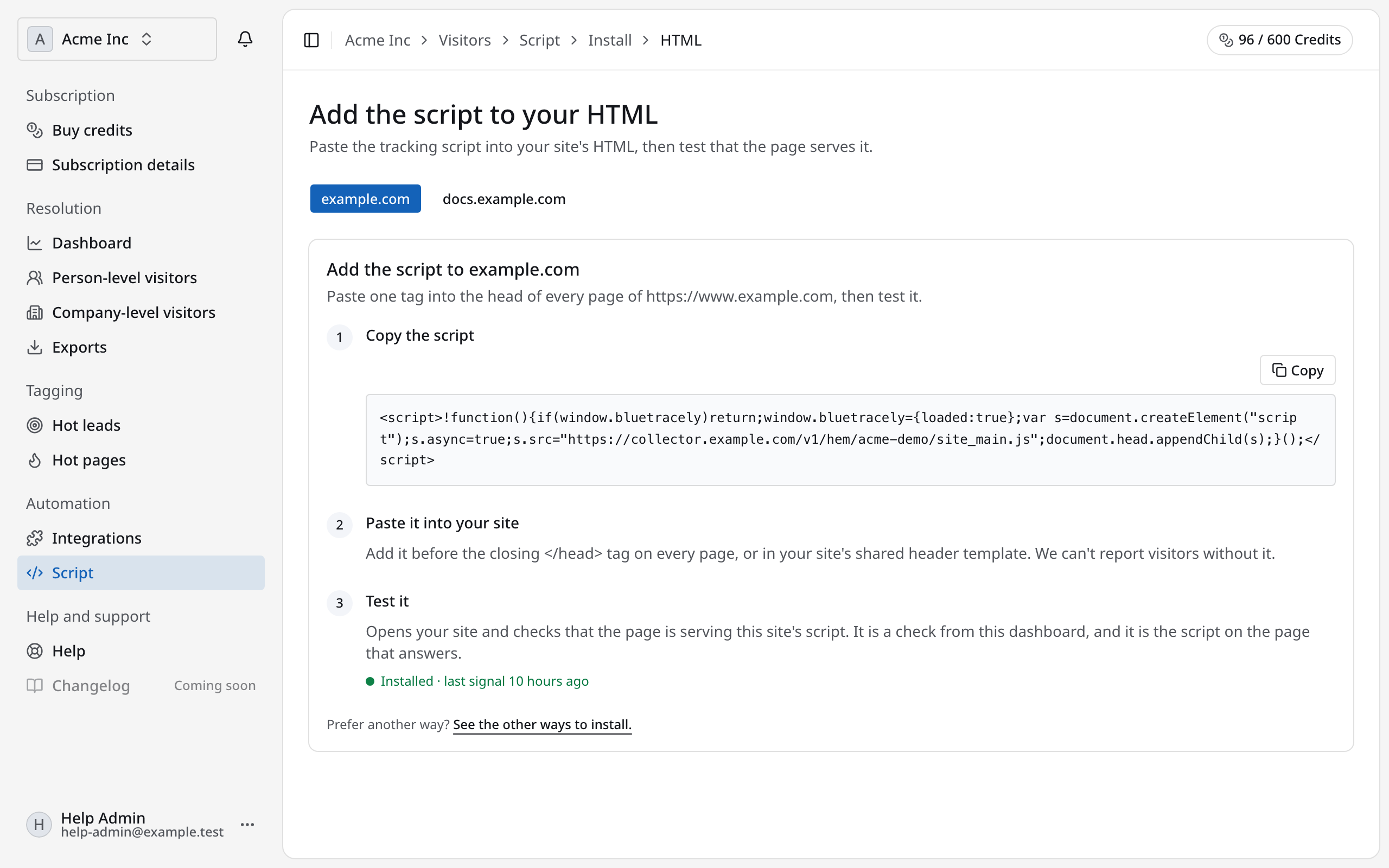
- On the Script page, select Install next to your domain.
- Select Add it to your site's HTML.
- Under Copy the script, select Copy.
Add the snippet in Tilda
Follow Tilda's answer on adding HTML code for the HEAD section:
- In your site settings, find the field for HTML code for the HEAD section.
- Paste your snippet, unchanged, and save.
- Republish all pages, so every page carries the snippet.
Use the site-wide head setting rather than an HTML block on a single page, so the snippet runs on every page and loads as early as possible. See Tilda's guide to adding HTML code.
Check the installation
Open your published site, then go back to the Script page and select Test script next to your domain. When the script answers, you'll see "The script is installed on your website." See Verifying Your Script Installation.