Integrations send the visitors Blue Tracely identifies straight to the tools your team already uses. This article explains which integrations are available and how to use the Integrations page.
Available integrations
Blue Tracely offers four integrations:
| Integration | Tile name | What it does | Plans |
|---|---|---|---|
| Slack | Slack | Posts identified visitors to a Slack channel | Every plan, including Free |
| Microsoft Teams | Teams | Posts identified visitors to a Teams channel | Every plan, including Free |
| HubSpot CRM | Hubspot CRM | Sends identified visitors to your HubSpot CRM | Pro and Pro+ |
| Salesforce CRM | Salesforce CRM | Sends identified visitors to your Salesforce CRM | Pro and Pro+ |
Setup guides:
- Setup Guide: Slack
- Setup Guide: Microsoft Teams
- Setup Guide: HubSpot CRM
- Setup Guide: Salesforce CRM
Opening the Integrations page
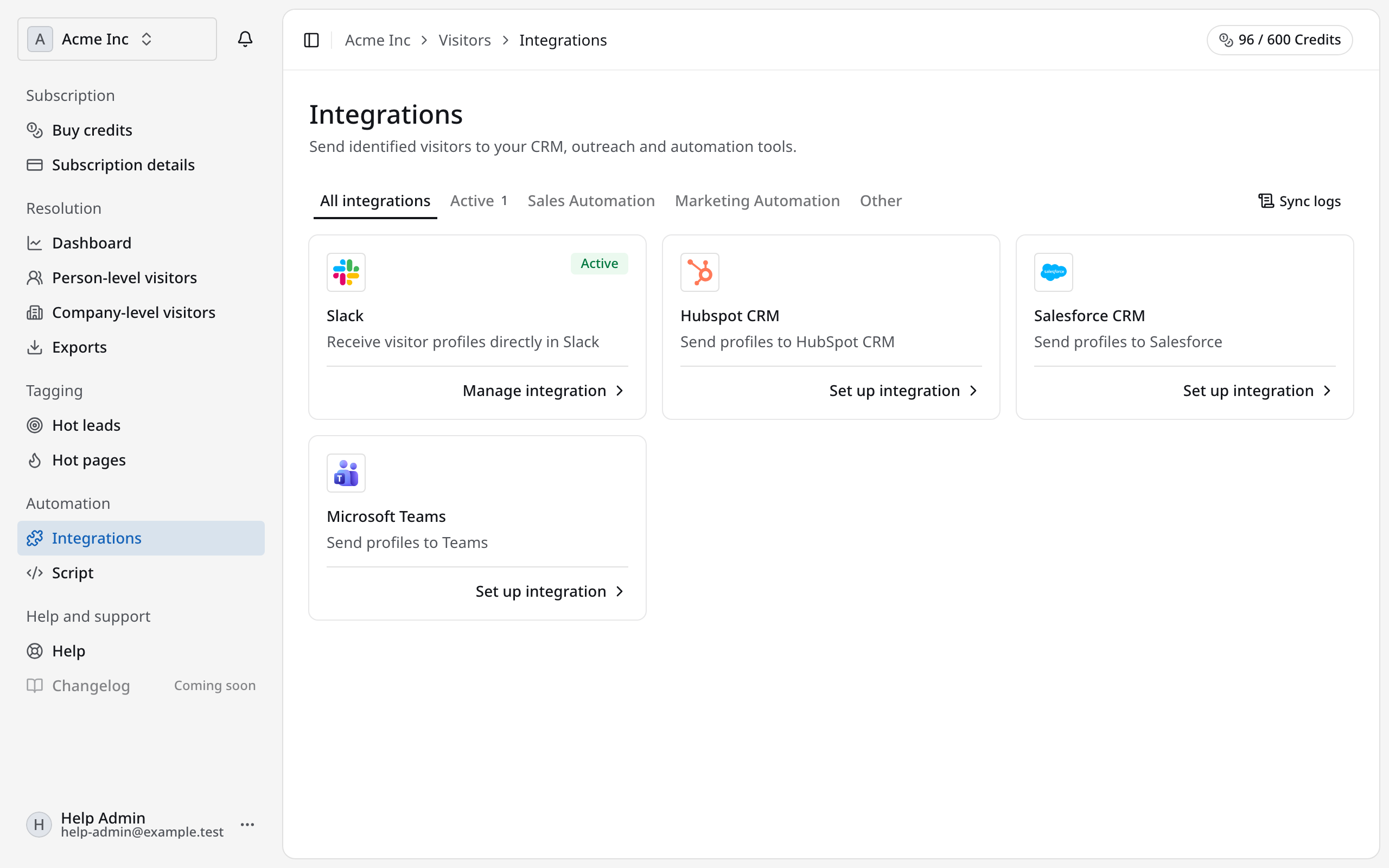
In the sidebar, go to Automation > Integrations, or open Integrations.
Tabs
The tabs at the top filter the tiles:
- All integrations: every integration.
- Active: the integrations you've set up, with how many there are.
- Sales Automation, Marketing Automation and Other: integrations by category. HubSpot CRM and Salesforce CRM are under Marketing Automation; Slack and Teams are under Other.
What each tile shows
- Set up integration: the integration is included in your plan and not set up yet. Select the tile to set it up.
- Manage integration: it's set up. Select the tile to change its settings. A badge shows its status.
- Not included on your plan, with an upgrade link: your plan doesn't include it. Choose Pro or Pro+ to use the CRM integrations.
Only owners and admins can set up, change or remove an integration.
Checking deliveries with Sync logs
Select Sync logs at the top right of the Integrations page to open Profile sync logs. It lists every attempt to send a visitor to an integration, newest first, with the Integration, Date, Status and Message. See Integration Logs.
You can also see where a single person was sent under Deliveries on their profile, and send them again with Re-sync. See Manually Syncing a Profile in Blue Tracely.