Your organization's name and time zone are on the Account settings page. This article explains how to change them.
Every member can open the page. Only owners and admins can change it; for everyone else, the fields can't be edited.
Opening Account settings
- Select your name and email address at the bottom of the sidebar to open the account menu.
- Select Account settings.
Or go straight to Account settings.
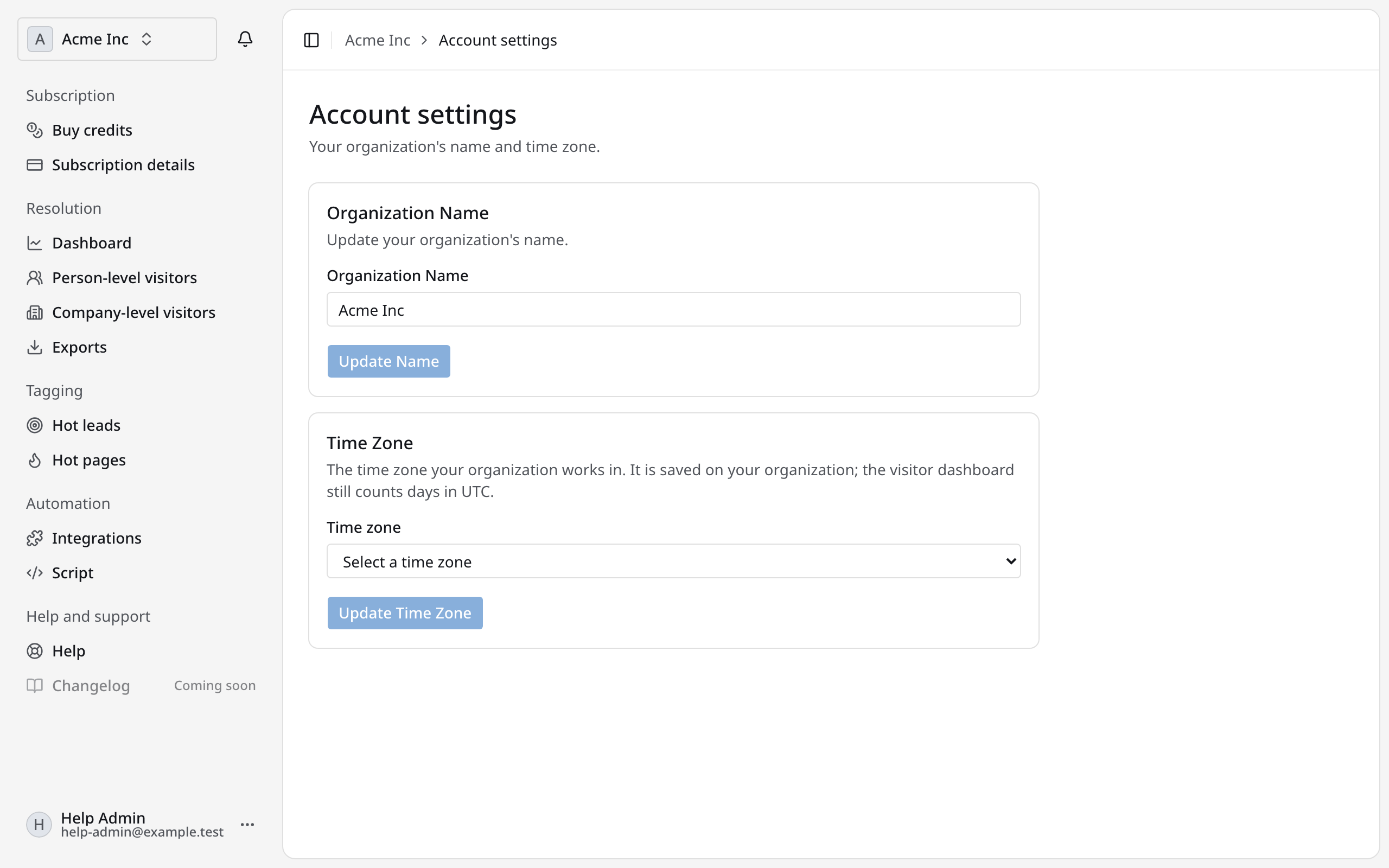
Changing your organization's name
Your organization's name is shown at the top of the sidebar, in the account menu and in the invitations you send.
- Under Organization Name, enter the new name.
- Select Update Name.
You'll see "Organization name has been updated."
Changing your time zone
- Under Time Zone, choose your time zone from the list.
- Select Update Time Zone.
You'll see "Time zone has been updated."
The time zone is saved on your organization, but the visitor pages don't use it yet: the Dashboard still counts days in UTC, and date filters use UTC days.