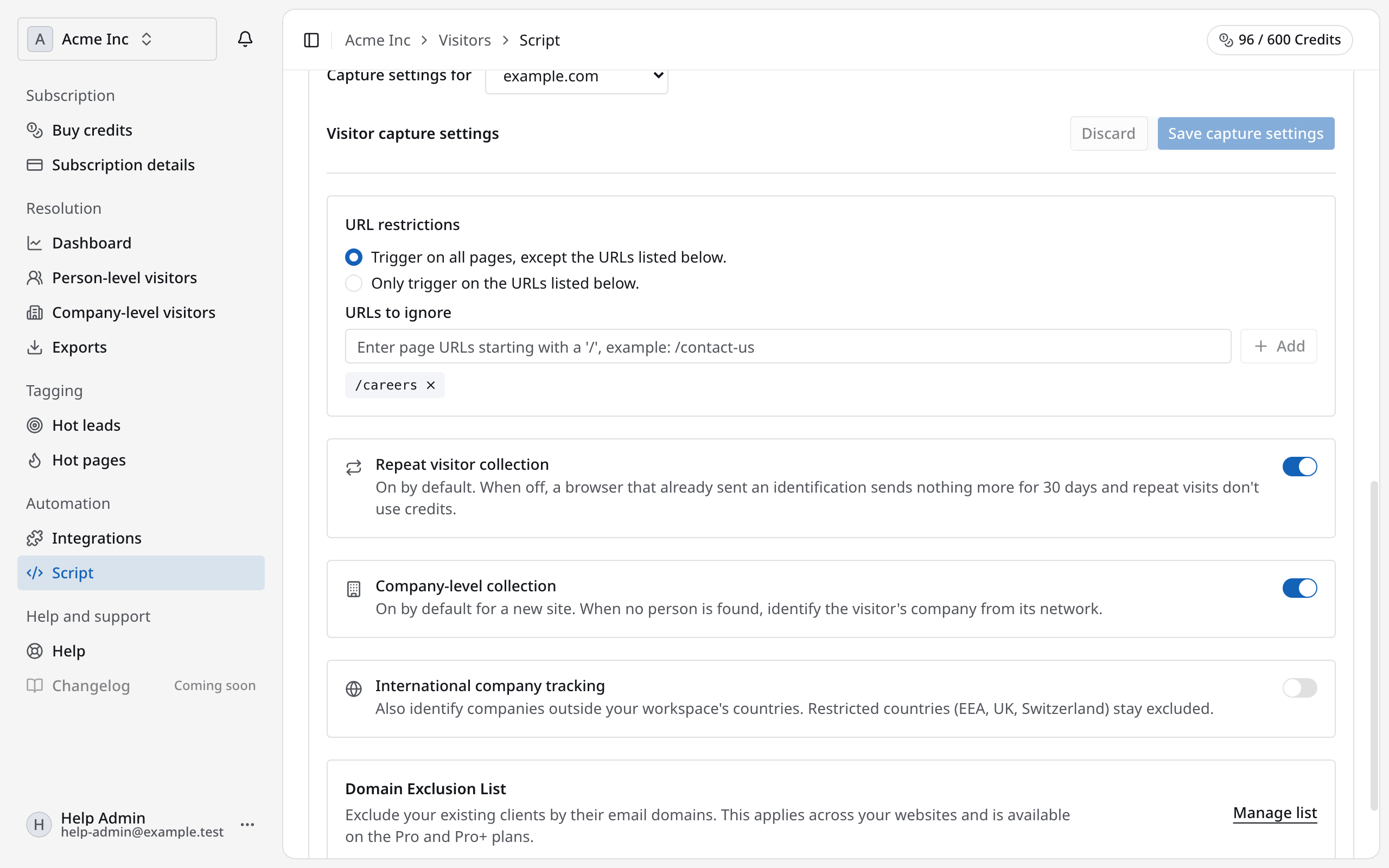
Repeat visitor collection is on by default. While it's on, Blue Tracely keeps recording the pages an identified visitor views when they come back, so you can see their return visits and growing interest. We recommend leaving it on.
What happens when you turn it off
When Repeat visitor collection is off for a domain, a browser that has already sent an identification sends nothing more for 30 days. As a result:
- the visitor's later page views and sessions aren't recorded, so they don't show up in their Activity, in Repeat profiles on the Dashboard, or in your integrations;
- repeat visits don't use credits.
The setting is available on every plan. Owners and admins can change it.
Turn repeat visitor collection off or on
- Go to the Script page.
- In Visitor capture settings, choose the domain under Capture settings for if your account has more than one.
- Turn Repeat visitor collection off, or back on.
- Select Save capture settings.
The setting applies to the domain you chose. Browsers that stopped sending while it was off start again once their 30 days are over.